Settle is a window manager that remembers where your windows belong. Save a layout once. Bring it back with one click. Let automation do the rest.
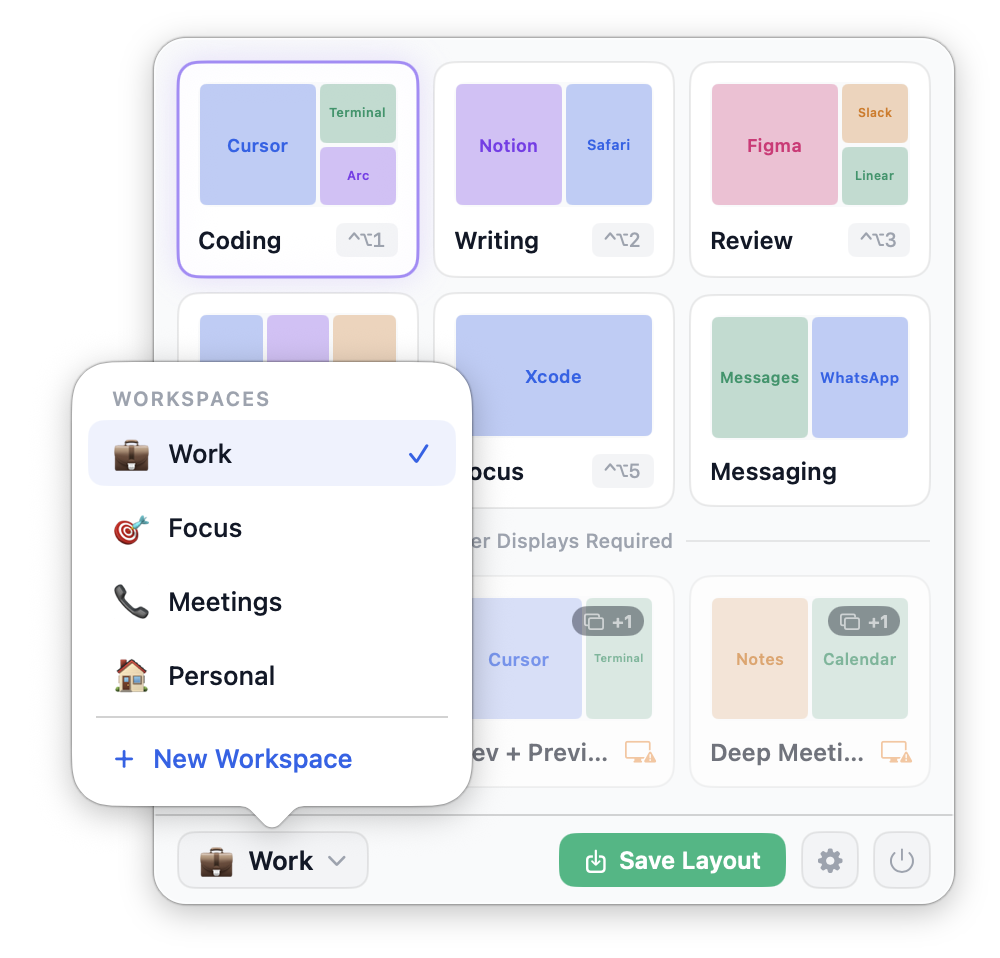
You open the same apps. You arrange them in the same way. Then a meeting happens. Your monitor comes off. The laptop moves to the couch. And you rebuild everything from scratch.
Settle ends that loop.
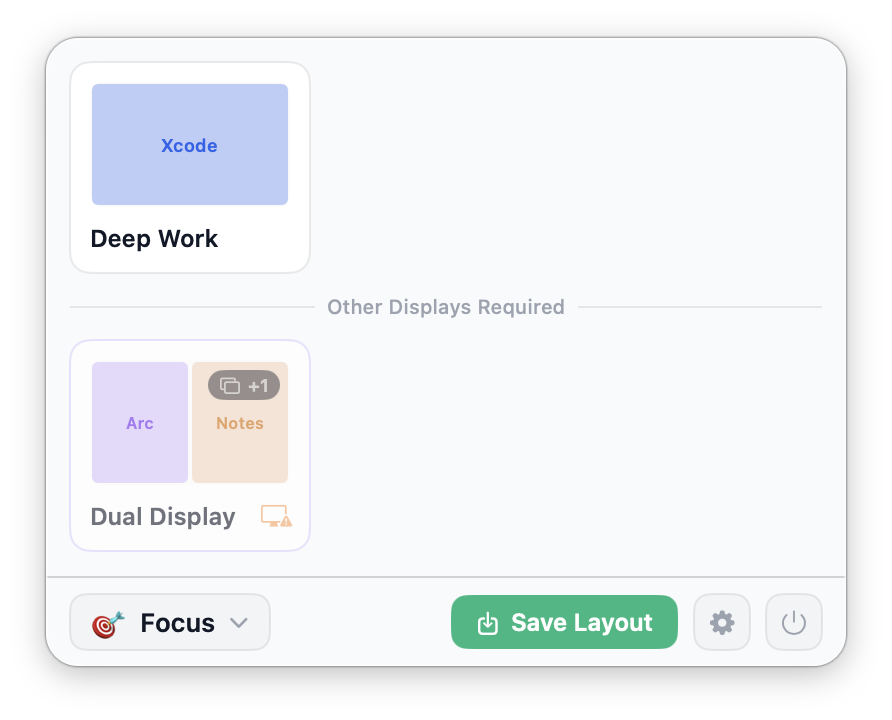
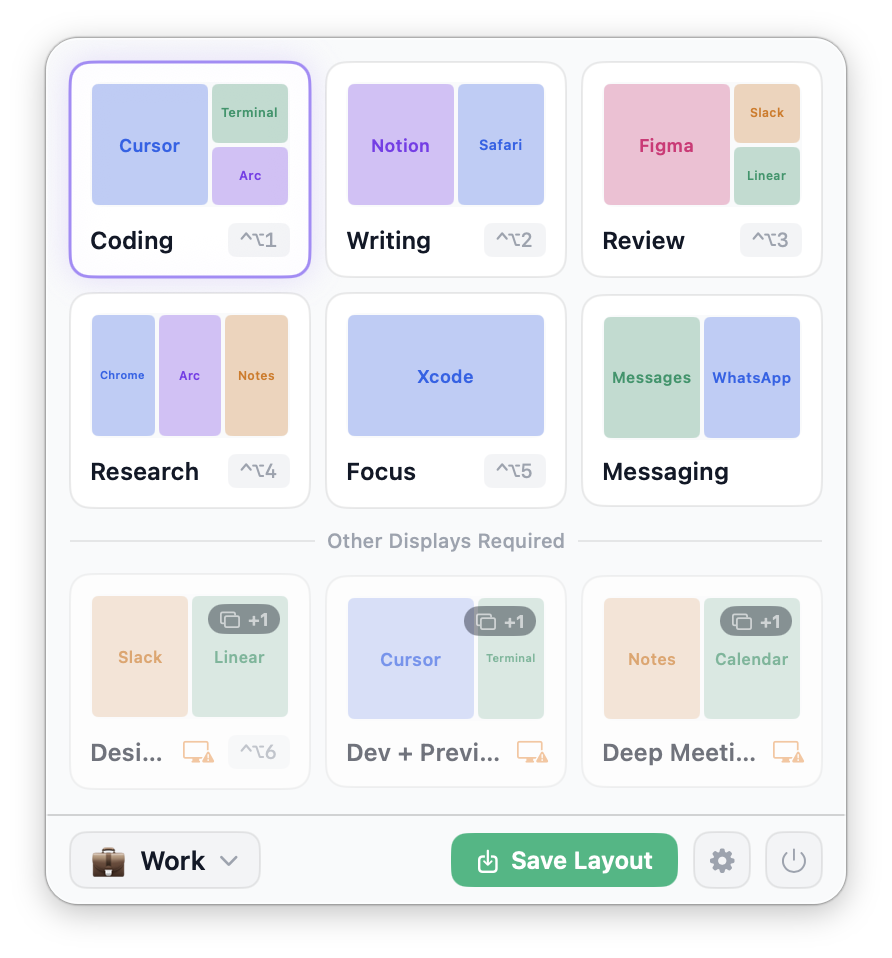
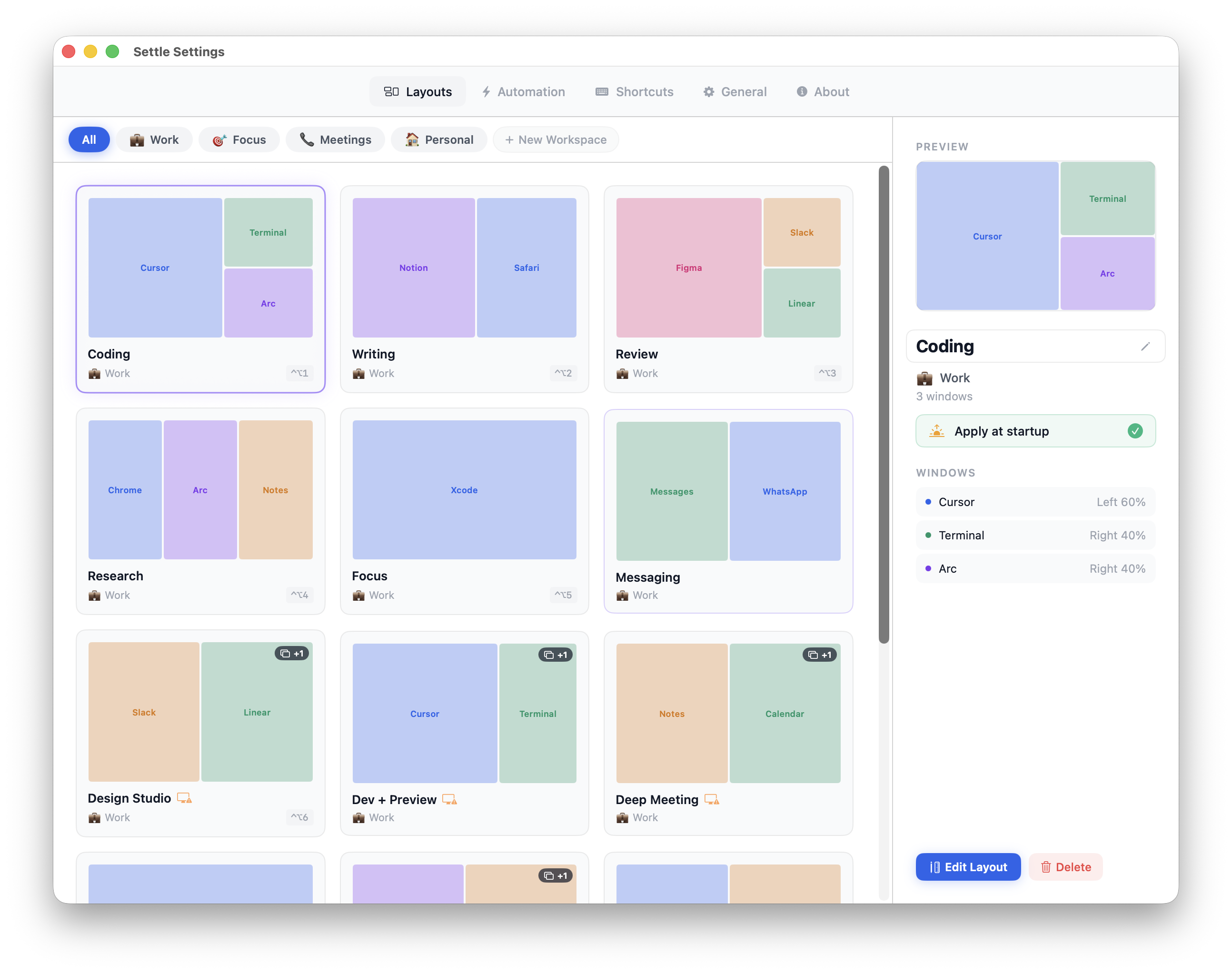
Open the apps you use. Put them where you want them. Hit save. Next time you need that arrangement, it's one click away from your menu bar.
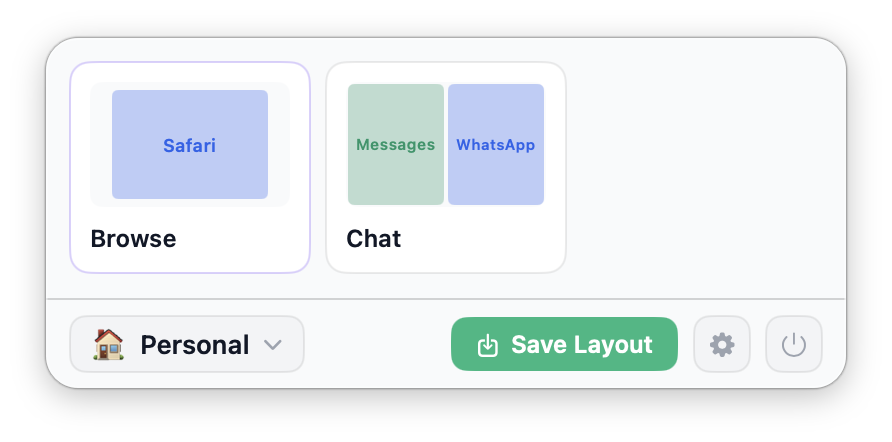
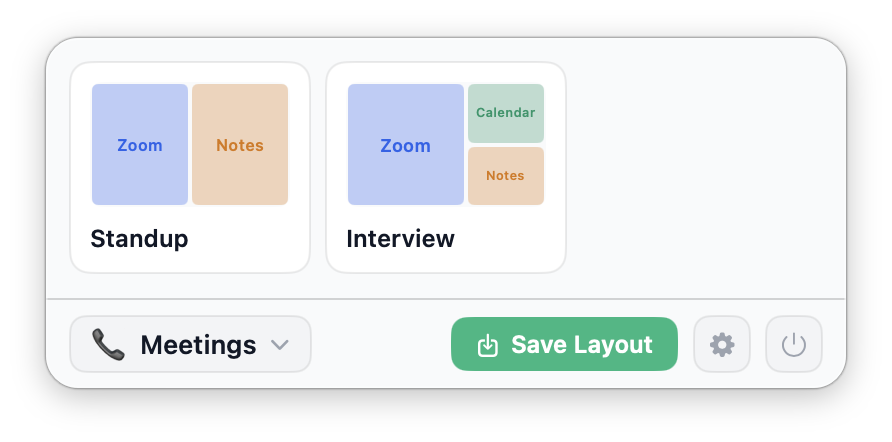
Group layouts by context. Work has its own set. Meetings have theirs. Personal keeps the weekend apps tucked away. Switch modes, get a different menu bar.
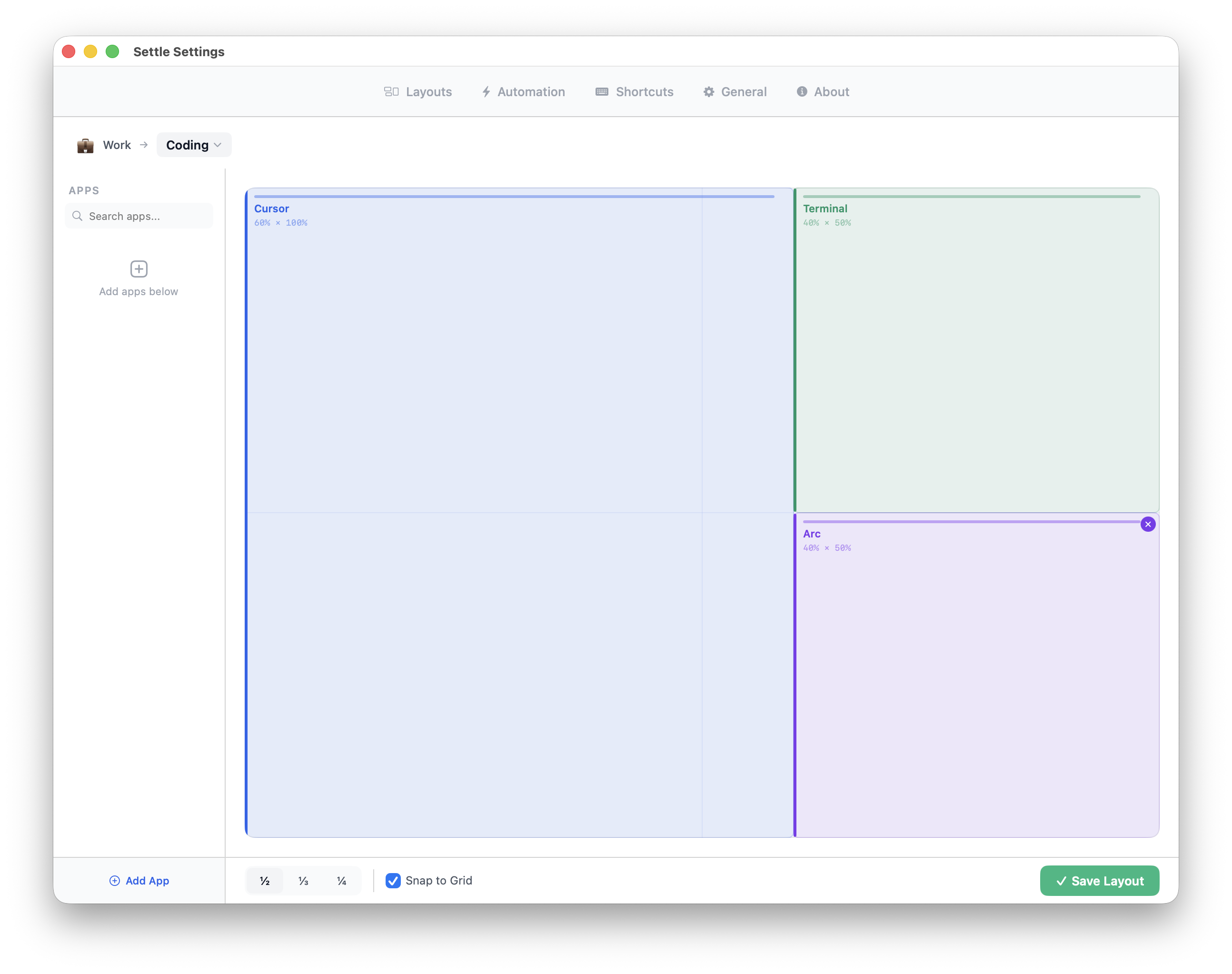
No config files. No terminal commands. A canvas, a grid, and the apps you care about. Split by halves, thirds, or quarters. Snap to grid, or don't.
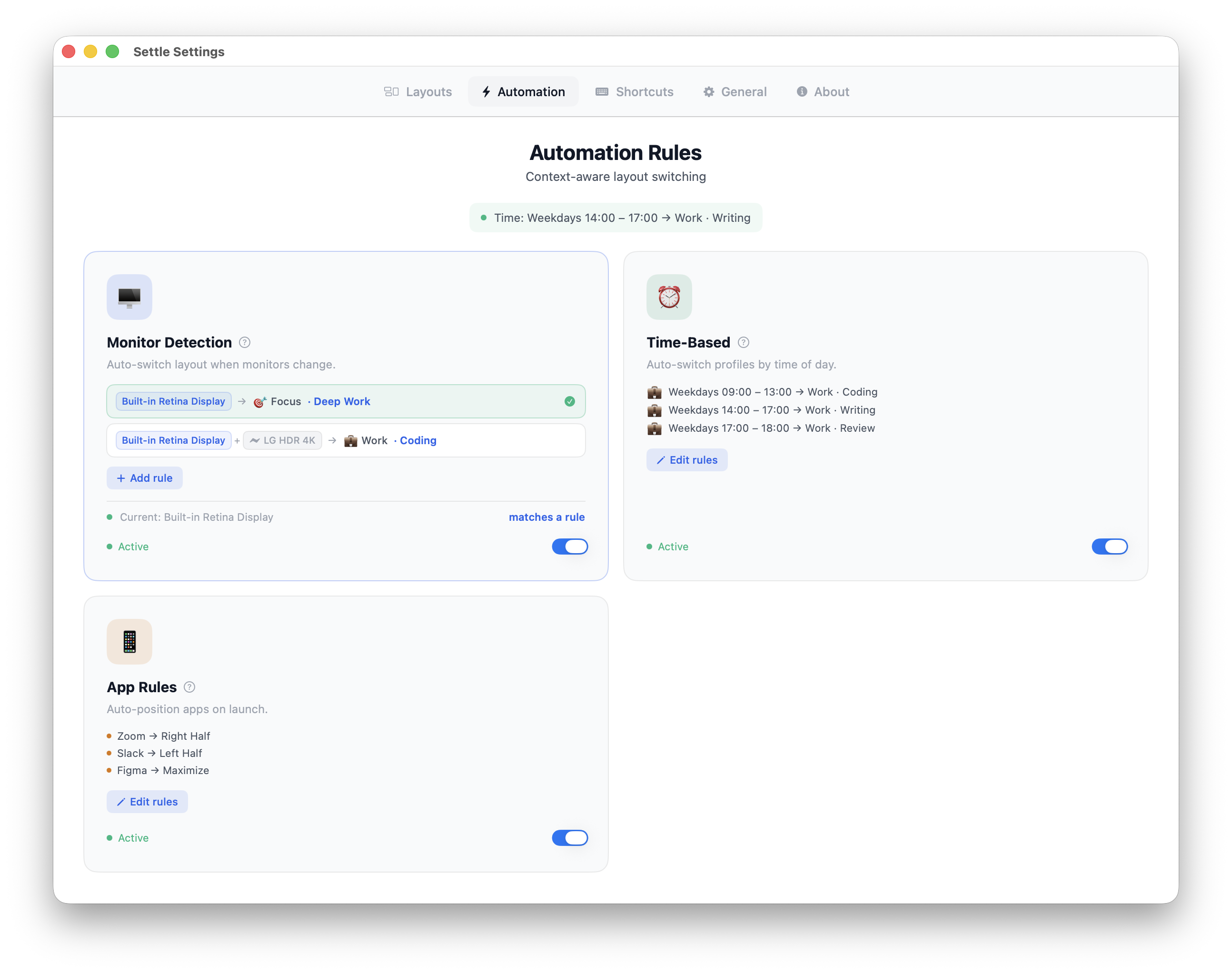
The moment your monitor plugs in. At 9 AM sharp. When a specific app launches. Settle watches for the trigger you pick and applies the layout you chose.
Plug in your external display — Settle recognizes the exact set of monitors and switches to your docked layout. Take the laptop to another desk, it goes back to the laptop-only setup. No rearranging.
Mornings for deep work, afternoons for meetings, evenings for reading. Pick a time window, pick a layout, pick the days. Settle handles the handoff.
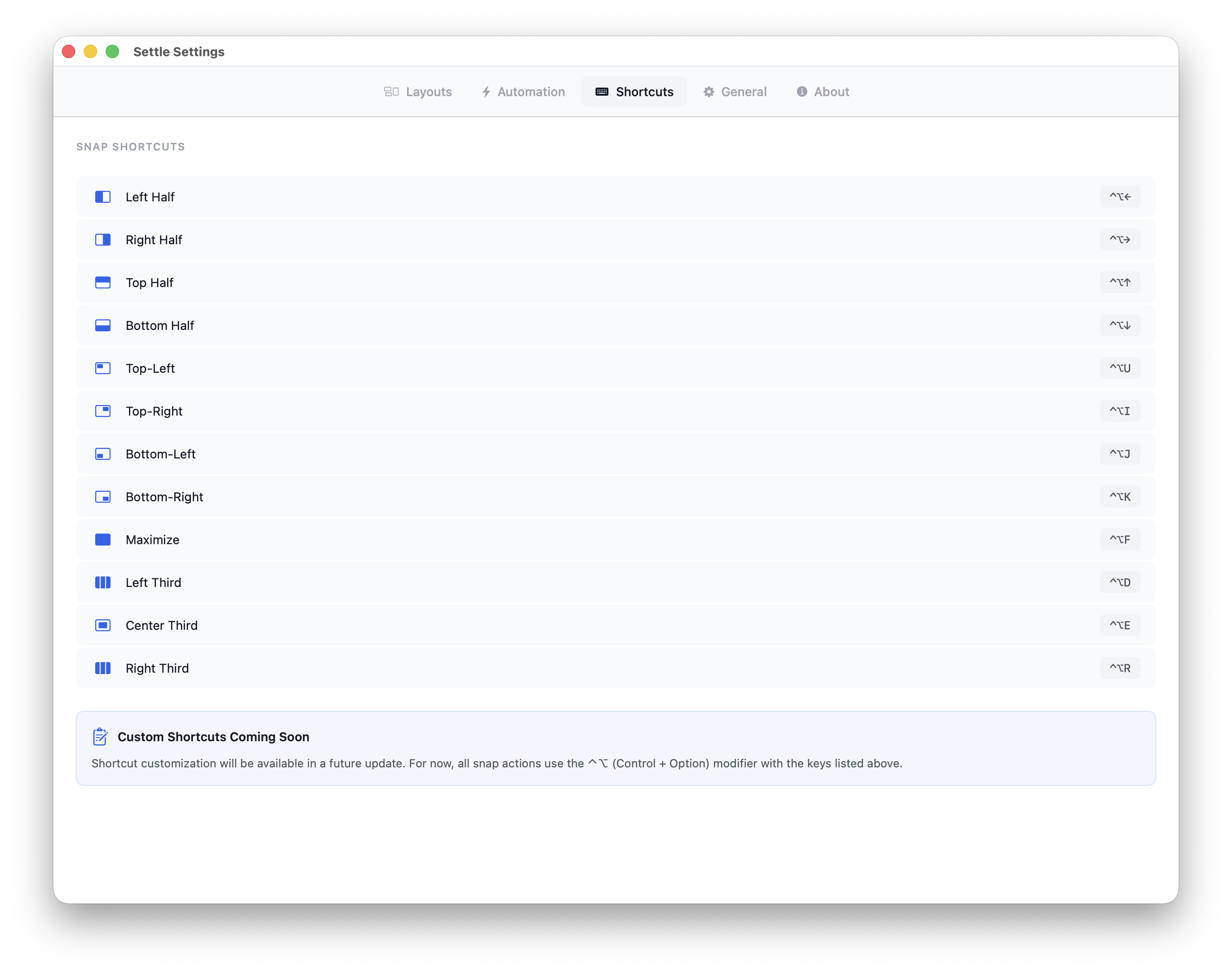
Press ⌃⌥← for left half. ⌃⌥→ for right. ⌃⌥F for fullscreen. Halves, quarters, thirds, center — every snap zone has a shortcut. Every saved layout can have one too.
See every layout across every workspace. Search, filter, edit, delete. Preview each one with the actual window positions before you apply it.
Plenty of tools can throw a window to the right half of the screen. Settle is built for what happens after — when your setup changes, your day changes, or you just want yesterday's arrangement back.
Try everything for 14 days. No credit card. No account. When the trial ends, pay once and keep it.
Sonoma, Sequoia, and beyond. Apple Silicon and Intel, one universal binary.
Asked once on first launch. Used only to read and set window positions.
Native Swift. Light on memory. Doesn't touch your battery.